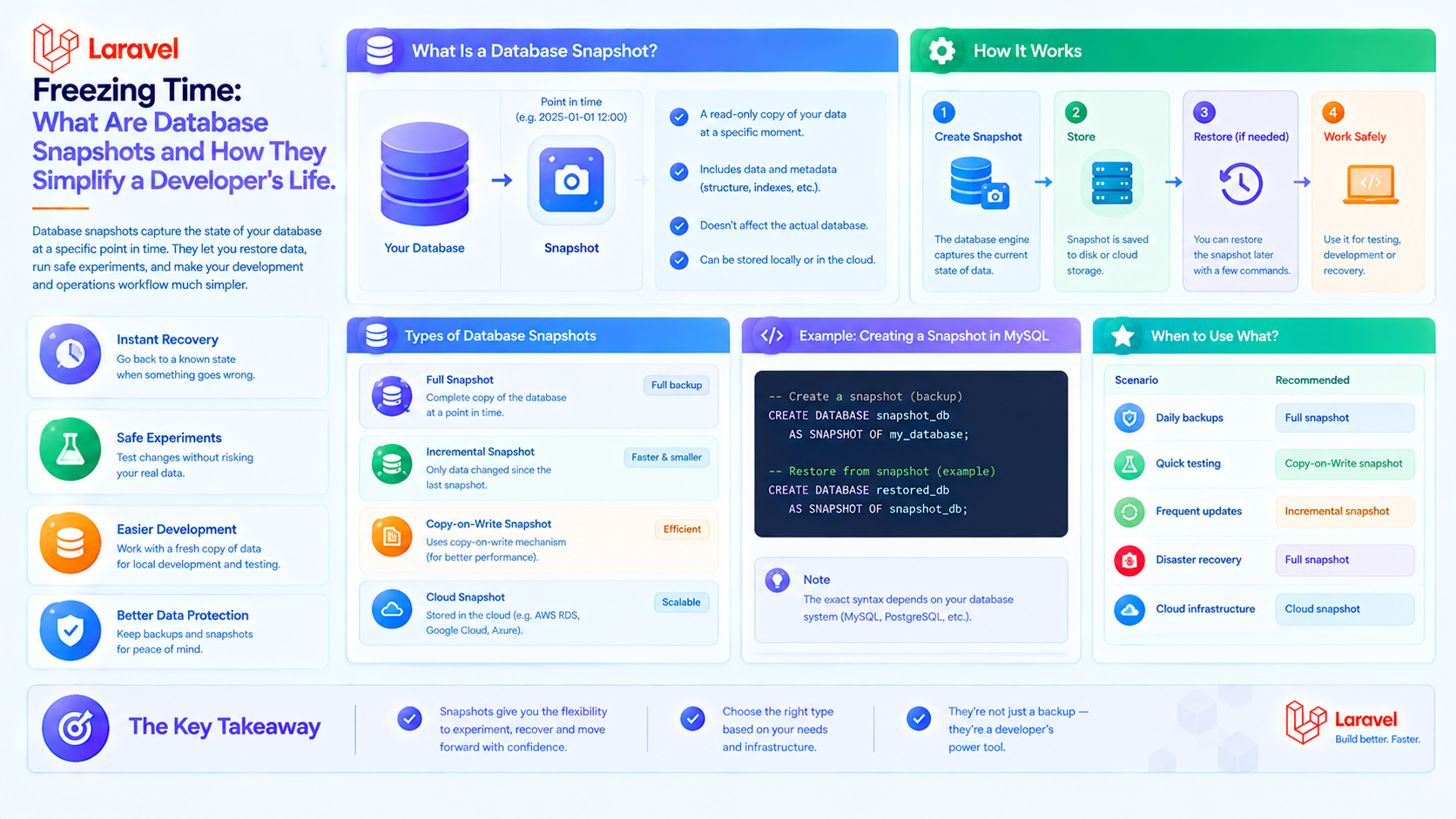
Freezing Time: What Are Database Snapshots and How They Simplify a Developer's Life
If you work with databases, especially in the context of complex Domain-Driven Design (DDD), event-driven programming, or analytics, you've likely faced this problem: how to efficiently work with an object whose state changes dozens of times?
Imagine an Order entity. It goes through the lifecycle: created → paid → shipped → delivered → returned. Each status is a change in the database. The change history can be huge. But what if you need to:
- Restore the order's state on a specific date?
- Analyze how its total price changed over time?
- Optimize queries for an aggregate with a complex, deep structure?
This is where the Snapshot pattern comes to the rescue.
What is a Snapshot?
A Snapshot is an immutable copy of an object's state (an aggregate in DDD terms) at a specific point in time. It is not a change log (delta), but a complete "photograph" of all the object's important data at that moment.
Real-life analogy: It's like saving a full copy of a document Contract_v1.2_final_updated_2024-12-01.docx before making edits. You can always go back to that exact version.
Why are they needed? 3 Key Reasons
- Historical Record & Audit. The most obvious use case. You can know precisely what a user's balance, order composition, or article text was exactly one month ago. This is critical for financial systems and systems with legal audit requirements (e.g., GDPR, SOX).
- Performance Boost (Event Sourcing). In Event Sourcing architecture, an object's state is recreated by sequentially applying all events from its history (OrderCreated, ItemAdded, OrderPaid). If there are thousands of events, replaying them all on every query is expensive. The solution: periodically save a snapshot of the aggregate (version #100, #200, etc.). To restore the latest state, you load the latest snapshot (#300) and apply only the events after it (#301 to #350). This dramatically reduces the load.
- Point-in-Time Capture for Reporting. To build an analytical report (e.g., "Revenue for last quarter"), you need data fixed at the period's end. Using snapshots guarantees that subsequent changes won't distort the historical picture.
How to Work with Them? Hands-on Laravel (with Eloquent)
Let's implement a simple snapshot system for an Invoice entity.
1. Database Structure
2. Model and Snapshot Creation
3. Usage in Code
Important Considerations and Takeaways
- Data Depth: Decide what goes into state. Just the aggregate's fields or also related data (e.g., client name). The latter simplifies reading but duplicates data.
- Frequency: Snapshots can be created on events (before payment), on a schedule (daily), or by version (every N changes).
- Storage: JSON in the database is convenient for complex objects. For analytics, snapshots can be sent to a separate storage (e.g., a Data Warehouse).
- Tooling: For Laravel, packages like spatie/laravel-activitylog facilitate logging, and orangehill/iseed helps with seeding, but for snapshots, a custom implementation often fits specific needs best.
In summary: Snapshots are a powerful pattern for working with time in your application. They transform your database from a static store of "current state" into a time machine for your data, providing auditability, performance, and reliability.